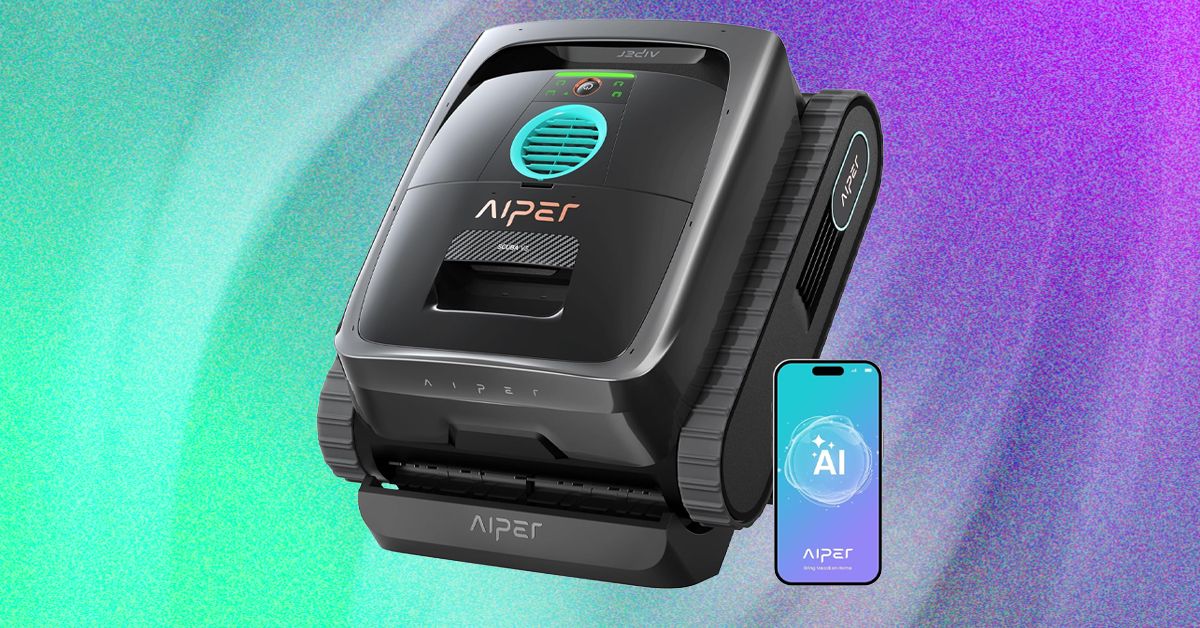
The app also includes access to two scheduled operational modes for those who would like to leave the robot in the pool, including a calendar-based mode with three frequency levels—90 minutes x 2, 60 minutes x 3, or 45 minutes x 4. The other mode is a bit of a letdown: The so-called AI Navium mode sounds like it uses the AI camera to periodically survey the pool over the course of a week and perform a routine cleaning only when required—but in reality, this mode merely performs a quick analysis of your previous runs and then uses AI to create a schedule for the next few days, based on how you’ve used the robot in the past.
Hungry for Gunk
Video: Chris Null
The Scuba V3 made fairly quick work of debris in my pool during test runs, rarely needing more than a couple of hours to scoop up all visible detritus on the pool floor while also scrubbing the walls and waterline. The AI camera system does seem to work as advertised, even locating small pebbles I tossed into the pool and dutifully routing itself to collect them. With organic debris, the pool looked fully clean after each run (ending between 170 and 190 minutes each time), and with synthetic debris, the Scuba V3 achieved a 96 percent cleanliness rating, with just a few test leaves remaining in some difficult corners. That’s especially good performance given that three hours is not a lot of operating time. And note there’s no way to adjust the running time outside of the scheduled modes; on-demand modes always run the battery until it’s nearly dead. Fortunately, Aiper does seem to make the most of this time, formally specifying a maximum coverage area of a significant 1,600 square feet.
I unfortunately didn’t have much success with the AI schedule mode. After running the analyzer, the app suggested a baffling five-day schedule comprising two floor runs, two floor-plus-waterline runs, and a final floor run. It then ignored the schedule and promptly ran a three-hour floor run, which drained the battery completely. I tried again the next day, and the robot missed its schedule, then ran randomly late in the night. I wasn’t a big fan of leave-it-in-the-pool scheduling before testing the Scuba V3, and this showing didn’t improve that opinion.
Video: Chris Null
When finished with a run, the Scuba climbs to the waterline and sends a push notification to the app, alerting you that it’s ready to be collected and cleaned. Note that you only have 10 minutes to reach it: The Scuba can’t float, so it has to use the last of its juice to run a motor to tread water and hold itself in place. After that 10 minutes is up, the spent Scuba sinks to the floor of the pool and must be retrieved with a pool and hook. My best advice is to set a 175-minute timer each time you launch a run to remind you to watch for the completion notification.
Cleanup can be somewhat involved. The filter basket design features a large lid that makes it easy to access the inner filter, and hosing down both of these filters clean is straightforward. The removable mesh on the interior basket is another story, though. While it’s very effective at capturing dirt and other very fine debris, it’s quite difficult to clean, and if you don’t remove it from the basket, lots of debris gets caught between the mesh and the basket itself. Removing and replacing the mesh is difficult, especially when it’s wet, so I usually just left it in place and cleaned it the best I could after each run, accepting that it would never be perfect. I expect most users will do the same.