A screenshot is how a lot of things get saved on a phone, from a dinner reservation to the address a friend just texted. AI assistants like Meta’s Muse and Apple’s Siri AI can now use what’s on the screen to answer questions or do things like add events to a calendar.
But not every platform is okay with that.
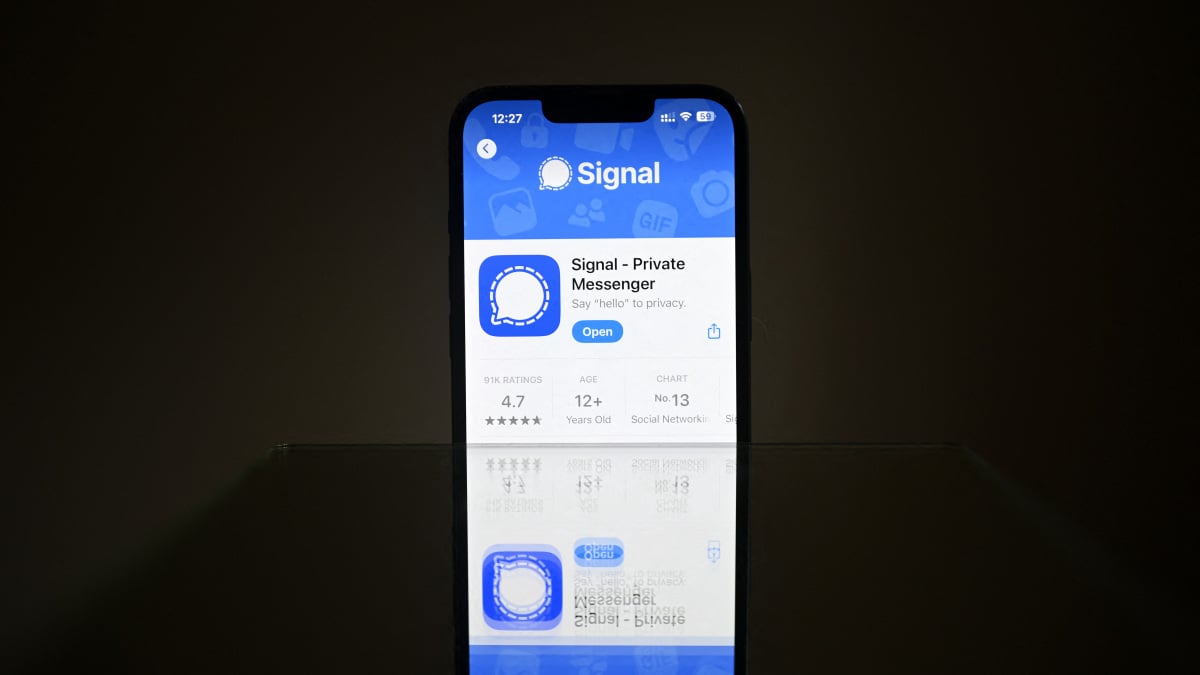
Signal, a nonprofit messaging app that uses end-to-end encryption to keep texts and calls private, is putting limits on what those assistants can see. On Friday, Nov. 20, the app announced it will block screenshots on iPhones running iOS 27 and restrict AI screen capture on some Android devices.
On iPhones running iOS 27, Signal’s Block Siri AI setting is on by default. On supported Android devices, Signal automatically turns on Screen security when it detects an assistant trying to read what’s on the screen. Users can turn either protection off in Signal’s settings, though doing so could give an assistant with screen access a look at both sides of the conversation.

Credit: Screenshot: Signal’s blog post
“Privacy is our mission; it’s why we exist, and we do everything we can to protect it,” wrote Signal President Meredith Whittaker in Signal’s blog post.
The best tech deal this week
Products available for purchase through affiliate links. If you buy something through links on our site, Mashable may earn an affiliate commission.
Mashable Light Speed
How can an AI assistant read an encrypted chat?
End-to-end encryption keeps a message private on its way from one person to another. When it arrives, the recipient’s phone has to turn it back into words they can read. Those words might show up in the chat itself or in a notification.
An AI assistant with access to either can read those messages, too. Once it has the text, Signal has no say in whether the assistant processes it on the phone or sends it to a remote server, according to their blog post.
That can play out in surprisingly ordinary ways. Earlier this week, Reuters reported that a Meta employee got a reminder from the company’s Muse assistant to reply to her sister. The message was in Signal. “This seems like an extreme privacy violation. I definitely did not grant it access to other apps, or recall being asked about this,” the employee wrote in an internal post.
Reuters worked with Signal and the AI Now Institute to see how that could happen using an Android phone and a Mac. They discovered that on the phone, Muse got the message text straight from a notification. On a Mac, it used accessibility tools and screenshots to read chats. In both tests, Muse relied on permissions granted during setup. Meta told Reuters that Muse can only access other apps through permissions users explicitly grant.
Whittaker pointed to accessibility tools, which are designed to help people with disabilities use their devices. With broad permissions, she wrote, those tools can act as “a skeleton key that provides access to AI agents.”
She’s thereby asking Apple, Google, and Microsoft to spell out what their assistants can read and give developers a way to block that access.